Answer
Oct 22, 2025 - 09:43 AM
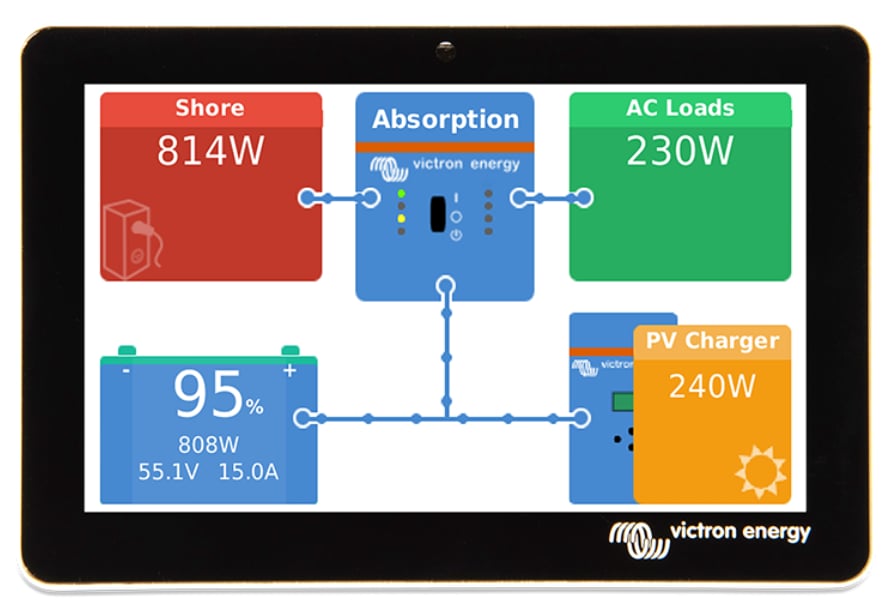
Connection uses a single 2-meter cable with both HDMI and USB ends. First, mount the display, then connect the HDMI to the Cerbo GX's HDMI port. Then connect the USB port. Use any of the three USB ports. Power the Cerbo GX after connection - the display will automatically show the Remote Console after booting. Always unplug the Cerbo GX power during installation and connect before powering on.
These cables can be extended. Use an extension HDMI cable or a standard HDMI with a double female adaptor. The USB part of the cable only provides power. You can extend it for a limited length using an "active" USB cable, meaning it carries power. If the amount you want to extend is longer than you can find the USB plug can be powered from a phone charger or USB receptacle.